Chequo Documentation
The Chequo documentation server contains documents, information, help, tutorials, etc. for the Chequo POS suite of tools and apps, including the Staff App, Back Office, and Kitchen Display.

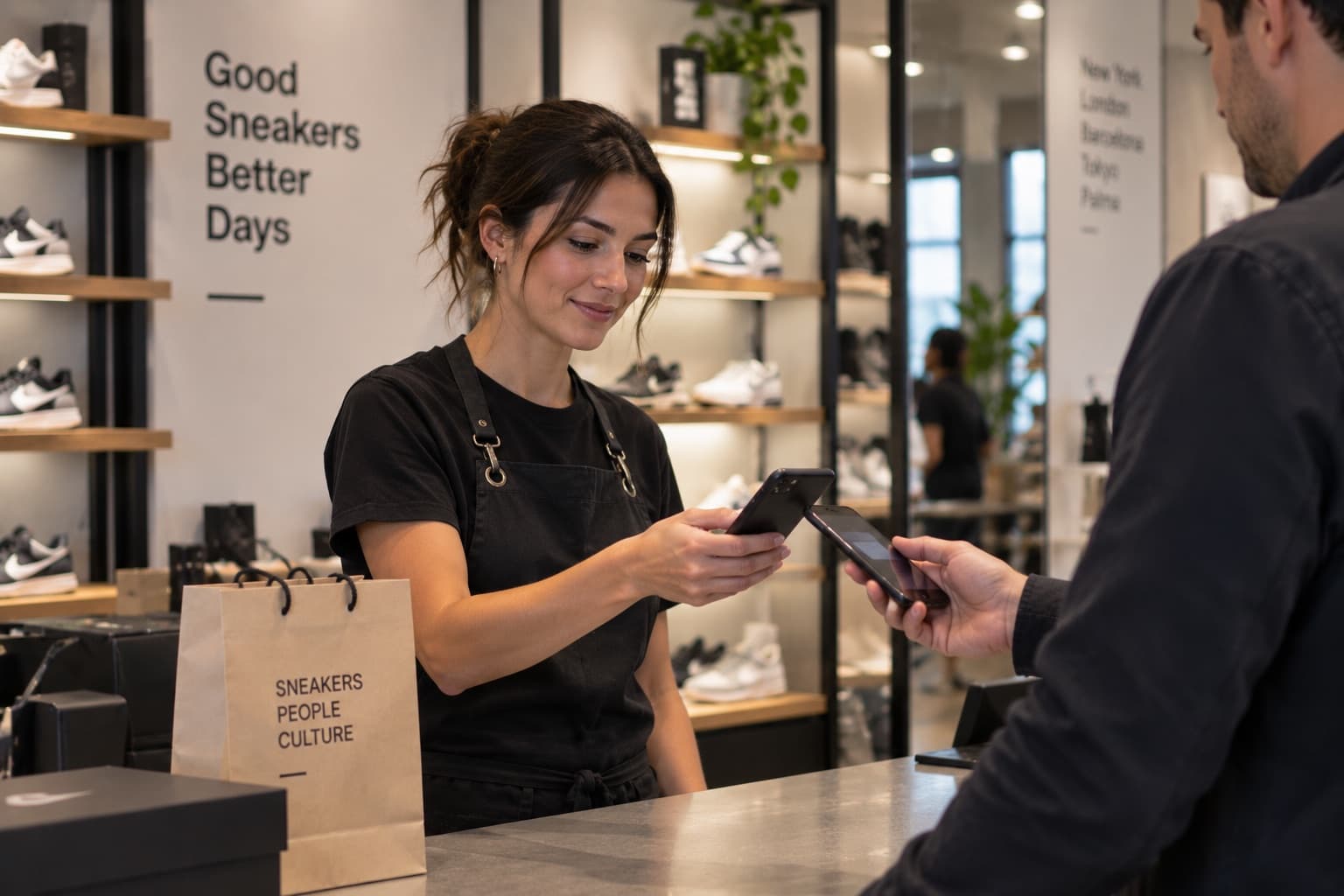
The Staff App is where your team takes orders, sends them to the kitchen, takes payments and prints receipts, along with much more. It runs on Android and iOS, and works the same on a tablet or a phone.

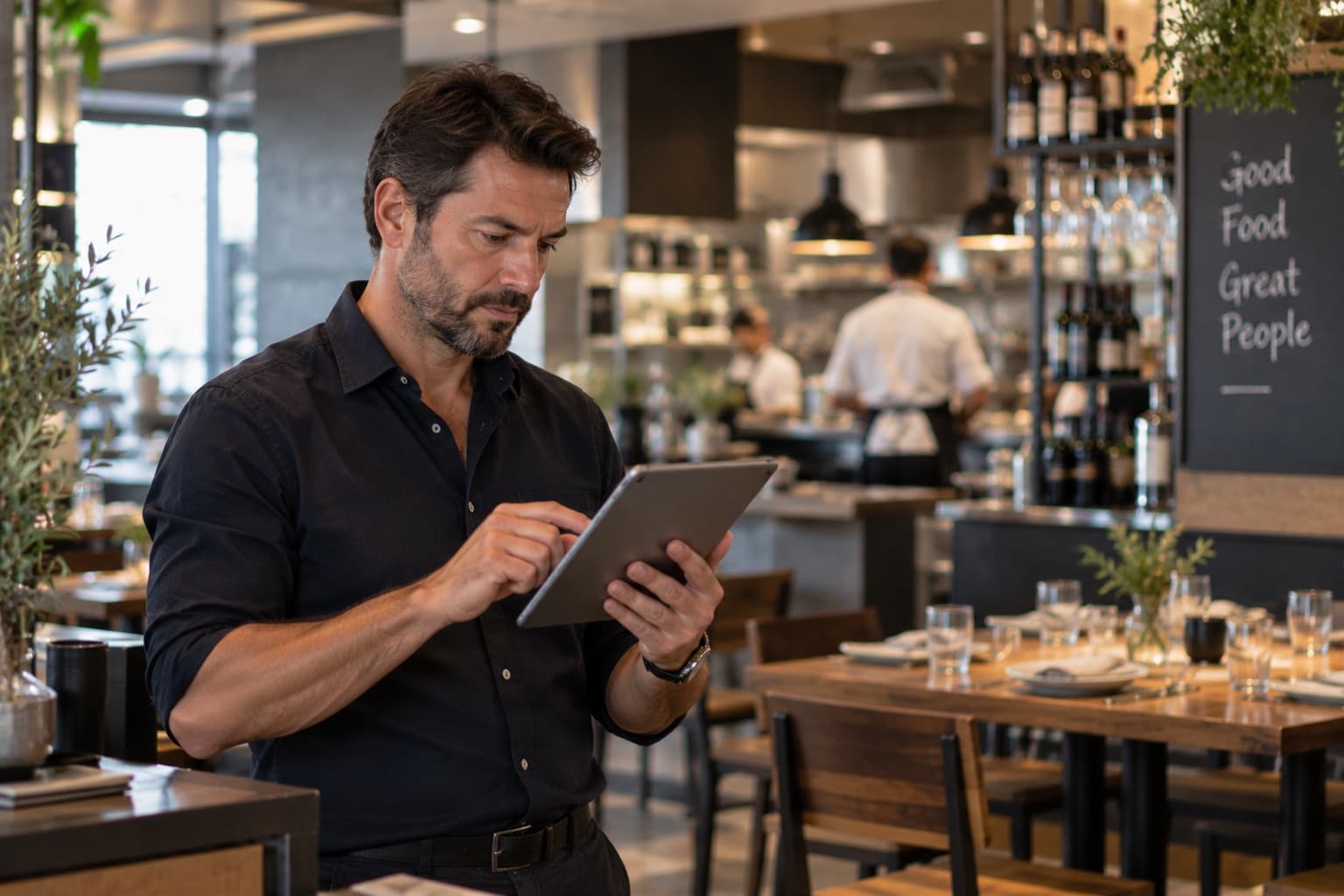
The Back Office is where owners and managers run the restaurant from a web browser: menus and prices, the floor plan, staff and schedules, printers, reports and settings.
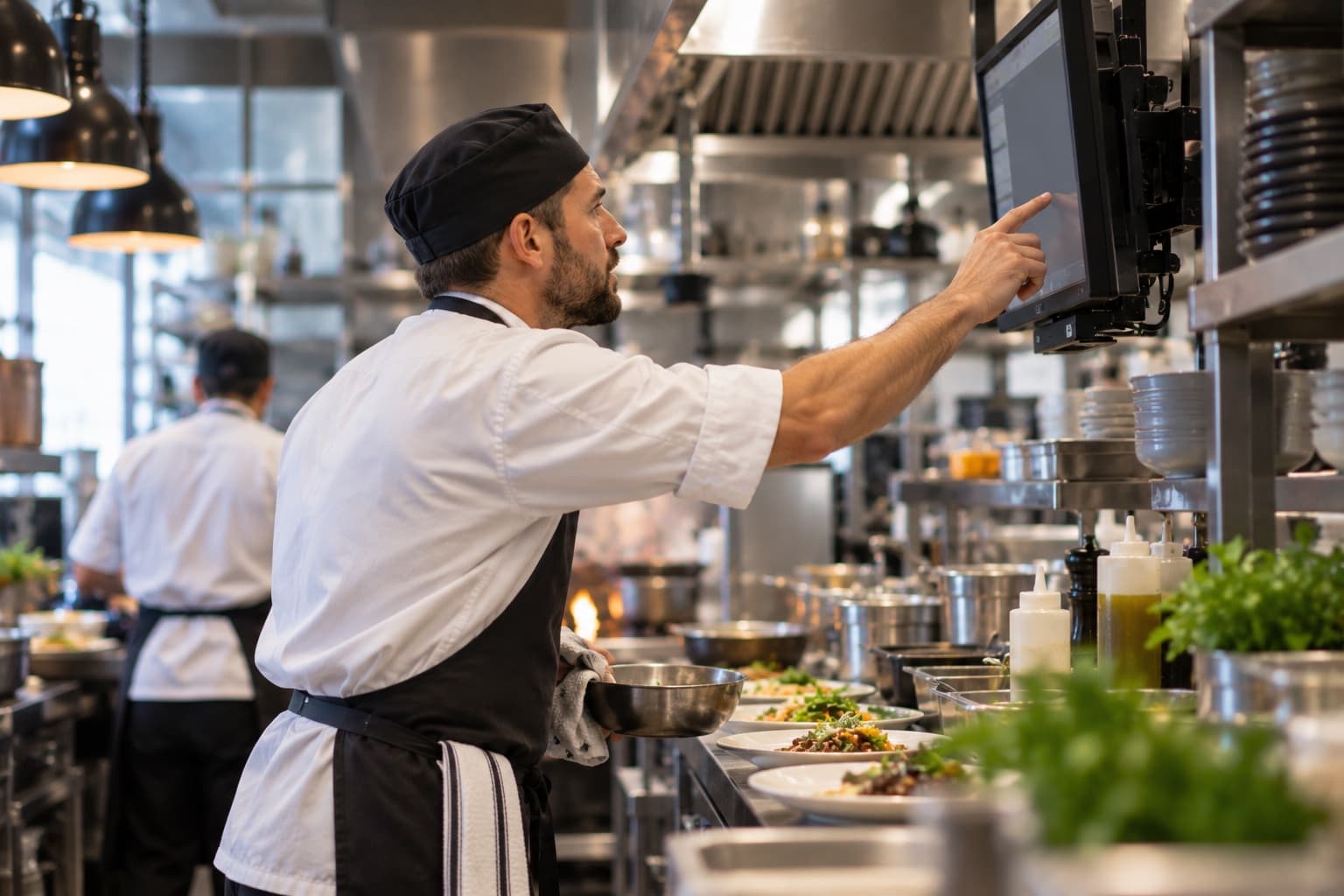
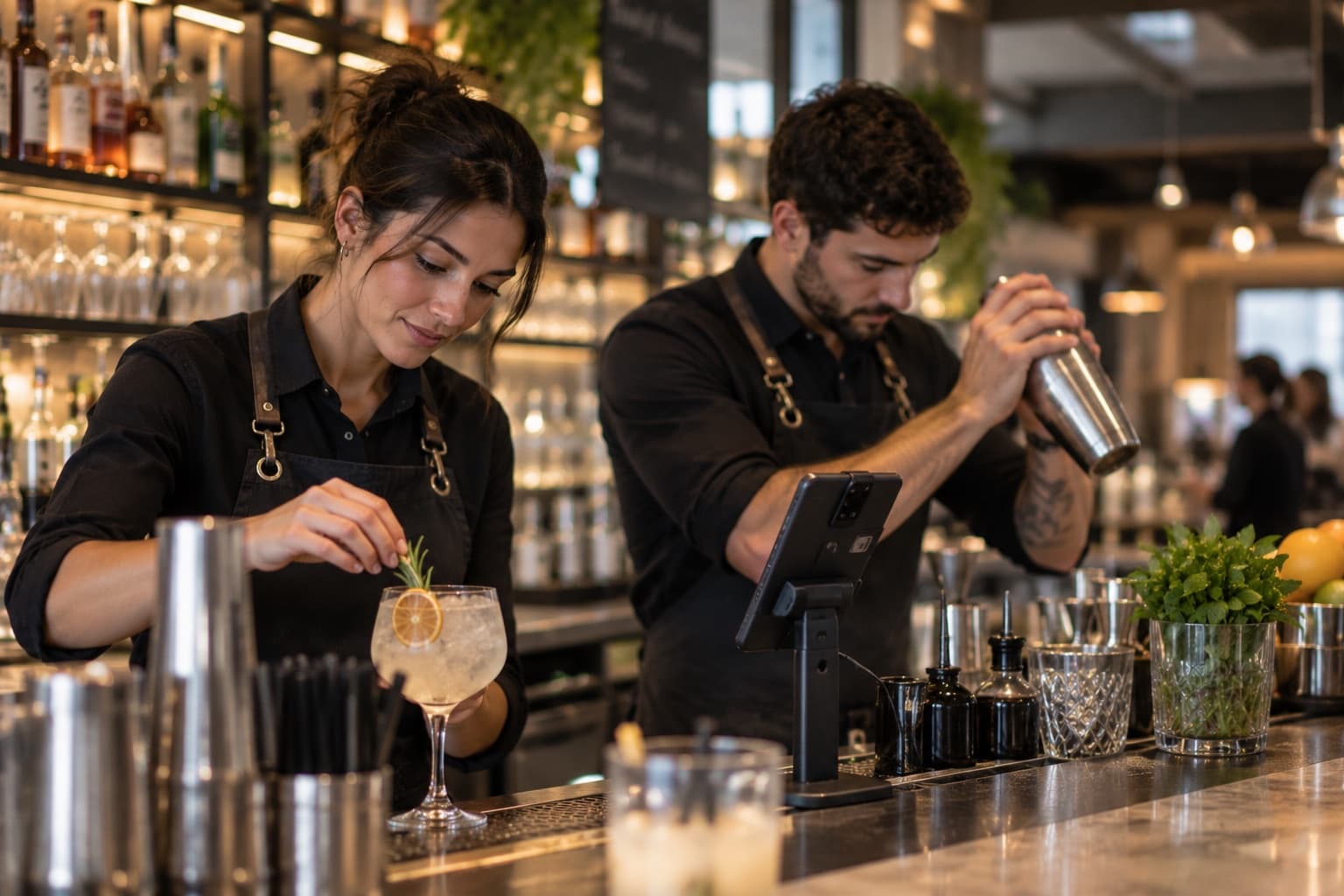
The Kitchen Display shows the kitchen (KDS) and the bar (BDS) every order the moment it is sent, as tickets on a board that move from new, to in progress, to ready with a tap. It runs on an Android or iOS tablet in the kitchen, or a phone at the bar.
The self-order kiosk is a tablet at your counter where guests browse the menu, order and send the order to the kitchen themselves, then pay at the till. Every kiosk of a location looks the same, and you set its colours and welcome screen in the back office under QR Menu → Kiosk.